
Blog
How to optimize Google My Business for restaurants in 2026
Learn how to optimize your restaurant's Google My Business listing in 2026 with step-by-step strategies for verification, keywords, photos, reviews, and posts to boost local visibility and attract more diners.
How to optimize Google My Business for restaurants in 2026
Your restaurant has a Google My Business listing, but potential customers still can’t find you when they search for dining options nearby. The problem isn’t having a profile; it’s how you optimize it. Urban restaurants face fierce competition for local visibility, and a partially completed or neglected GMB listing means lost reservations and foot traffic. This guide provides actionable steps to transform your listing into a customer magnet that drives directions, calls, and bookings.
Table of Contents
Key takeaways
| Point | Details |
|---|---|
| Verify your listing | Verified profiles gain 25% higher map pack visibility and build customer trust. |
| Optimize with local keywords | Add city-specific terms to your description and attributes to boost search rankings by 30%. |
| Use quality visuals | High-quality photos and virtual tours increase engagement by 35% and showcase your ambiance. |
| Manage reviews actively | Responding to reviews improves retention by 20% and strengthens your reputation. |
| Post regularly and monitor | Weekly updates and Q&A management keep your listing fresh and drive 15% more clicks. |
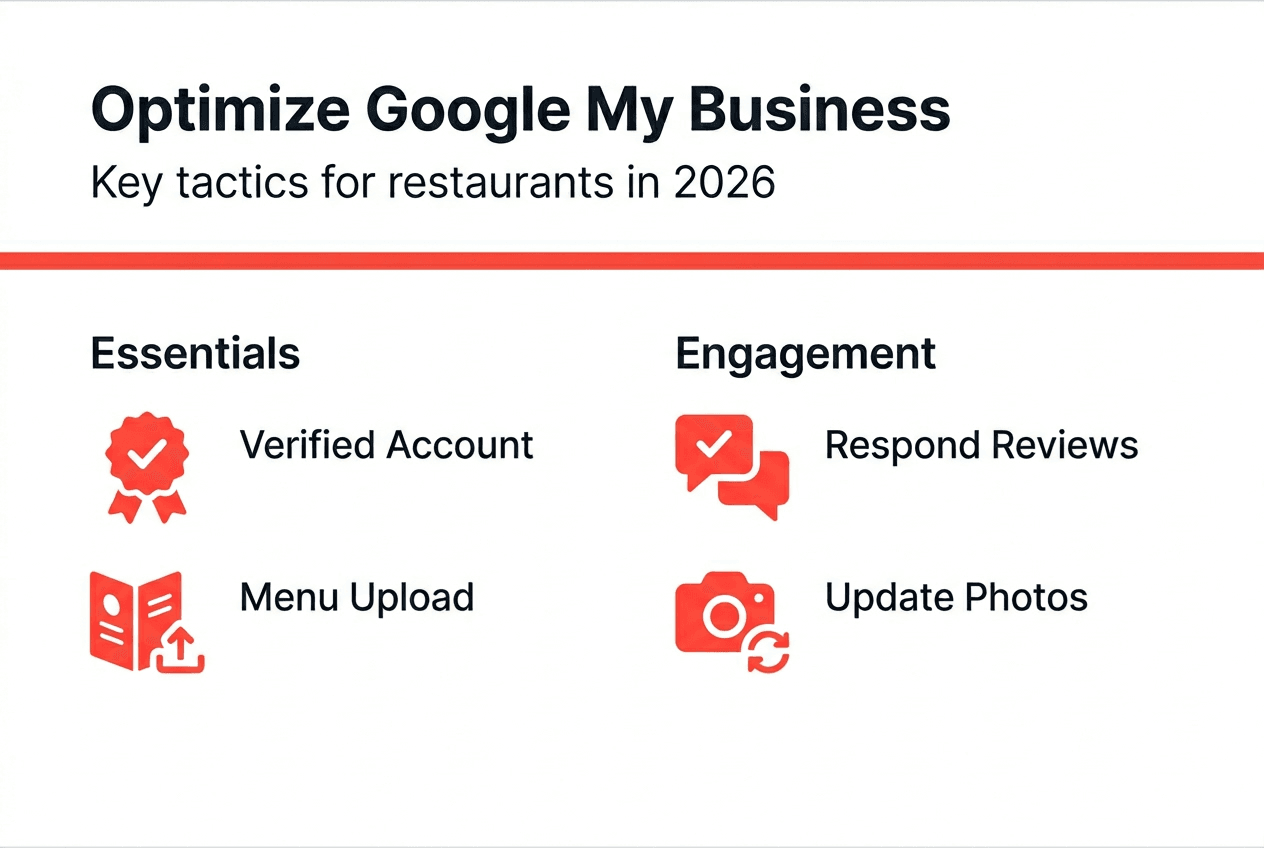
Introduction to Google My Business for restaurants
Google My Business integrates directly with Google Search and Maps, making it the primary discovery tool for hungry customers searching for restaurants in their area. When someone types
Recommended
Vous pourriez aussi aimer
Best Restaurant Loyalty Programs 2026: ROI Guide
Discover the best restaurant loyalty programs 2026 that boost repeat visits. Learn how Sorbey’s platform can transform your guest data strategy!

Why Mobile Marketing Matters for Business Growth
Discover why mobile marketing matters for business growth. Learn how optimizing for mobile drives traffic, conversions, and customer retention.

SF Dim Sum Restaurant Marketing Checklist for 2026
Transform your SF dim sum with our 2026 marketing checklist. Optimize your profile, showcase dishes, and attract customers fast!