
Blog
Explaining restaurant CRM: boost guest loyalty and revenue
Learn how restaurant CRM tools drive 23% higher retention, reduce no-shows, and help urban restaurants build lasting guest loyalty with smart automation.
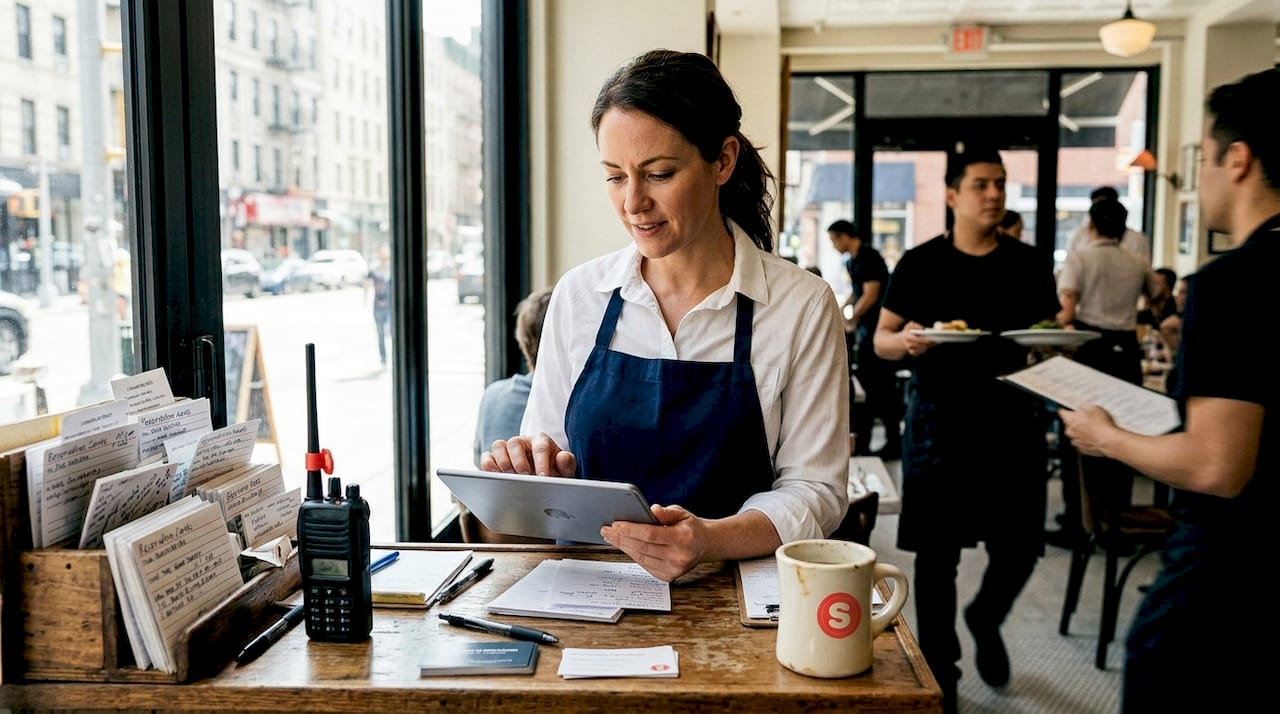
Explaining restaurant CRM: boost guest loyalty and revenue
Most restaurant owners assume CRM (customer relationship management) software is reserved for big chains with deep pockets and dedicated IT teams. That assumption is costing independent operators real money. Even smaller restaurants see 23% higher retention when they adopt CRM tools, which means more repeat visits, higher average checks, and stronger word-of-mouth. This guide breaks down what restaurant CRM actually is, which features matter most, the pitfalls to avoid, and a clear action plan to get started without overwhelming your team or your budget.
Table of Contents
- What is a restaurant CRM and why does it matter?
- Core features of restaurant CRM systems
- Common mistakes and how to avoid CRM pitfalls
- How CRM helps restaurants thrive in major U.S. cities
- Step-by-step: Getting started with CRM in your restaurant
- Ready to transform your guest relationships?
- Frequently asked questions
Key Takeaways
| Point | Details |
|---|---|
| CRMs drive retention | Even small and midsize restaurants see measurable loyalty increases with CRM adoption. |
| Integrated guest data is key | Centralizing information across reservations, POS, and guest preferences enables effective marketing and personalization. |
| Avoid common CRM pitfalls | Training, mobile readiness, and avoiding data silos are essential for CRM success. |
| Urban benefits multiply | Layered CRM tactics like feedback collection and AI offers help urban restaurants scale repeat business and gather insights. |
| Start with pilots | Begin CRM implementation with a pilot, then scale as staff and guests adapt and results become clear. |
What is a restaurant CRM and why does it matter?
CRM stands for customer relationship management. In a restaurant context, it means collecting, organizing, and acting on guest data so every interaction feels personal and intentional. Think of it as a living guest profile that grows smarter every time someone books a table, places an order, or responds to a survey.
The core mechanics of a modern restaurant CRM include data integration with POS and reservations for unified guest profiles, customer segmentation by behavior, spend, and preferences, automated email and SMS campaigns, loyalty point tracking and retention tools, and AI-driven personalization and upsell suggestions. Each of these functions connects to a single goal: making guests feel recognized and valued every time they walk through your door.
Why does this matter beyond warm feelings? Because recognized guests spend more, return more often, and leave better reviews. A guest who receives a birthday offer or a personalized wine recommendation based on past orders is far more likely to book again than one who gets a generic promotional blast. CRM turns scattered data points into a coherent strategy.
For urban restaurants competing on every block, that edge is not optional. It is the difference between a one-time visitor and a loyal regular who brings friends.
Core features of restaurant CRM systems
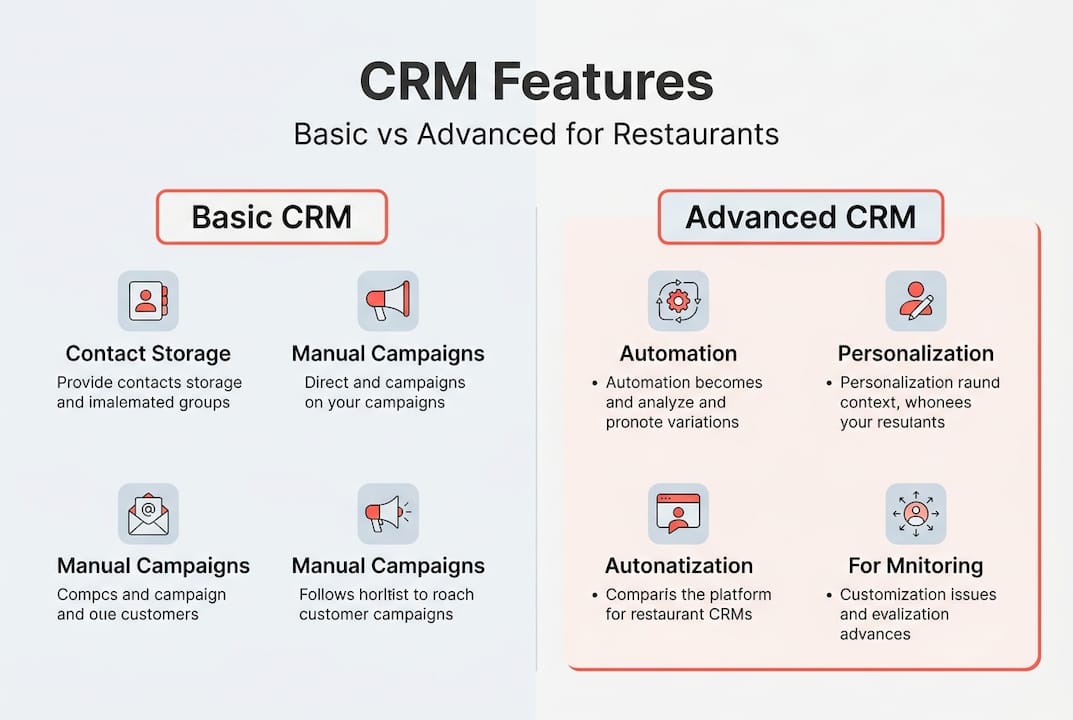
Not all CRM platforms are built the same. Some offer basic contact lists and email blasts. Others deliver full automation, AI recommendations, and real-time analytics. Knowing what to look for saves you from paying for features you will never use or missing the ones you actually need.
Here are the must-have features for any restaurant CRM worth your investment:
- POS and reservation integration so guest data flows automatically without manual entry
- Guest segmentation to group customers by visit frequency, average spend, dietary preferences, or neighborhood
- Automated email and SMS campaigns triggered by birthdays, anniversaries, or lapsed visits
- Loyalty program management to track points, rewards, and redemption history
- Feedback collection tools including post-visit surveys and review request automation
- AI-powered upsell suggestions that recommend add-ons or menu items based on past orders
- Reporting dashboards showing retention rates, campaign performance, and guest lifetime value
Data integration with POS and reservations is especially critical because it eliminates the manual data entry that kills adoption. When your team does not have to type in guest details by hand, the data stays accurate and the profiles stay current.
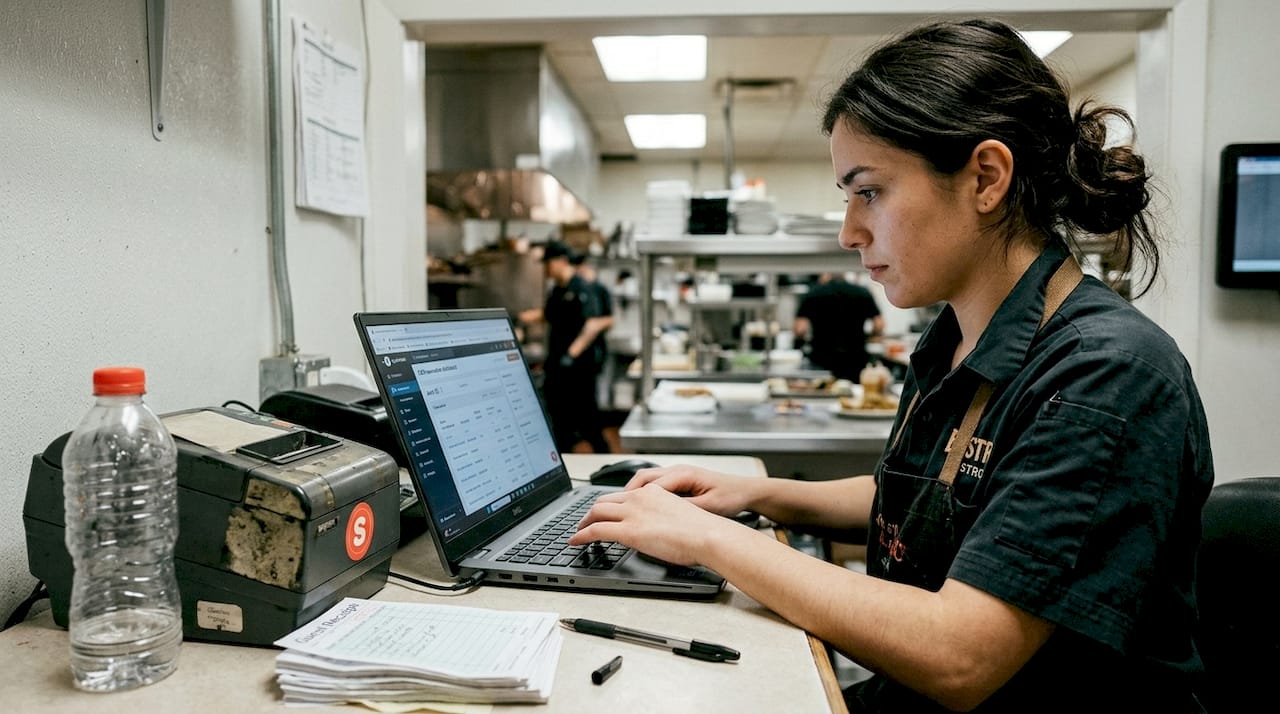
| Feature | Basic CRM | Advanced CRM |
|---|---|---|
| Guest contact storage | Yes | Yes |
| Email campaigns | Manual | Automated and triggered |
| Segmentation | Basic lists | Behavioral and spend-based |
| Loyalty tracking | Points only | Full redemption history |
| AI personalization | No | Yes |
| POS integration | Limited | Full two-way sync |
| ROI visibility | Low | High |
Pro Tip: Start with automated guest marketing for your top 20% of spenders before rolling out to your full guest list. High-value guests respond faster, and early wins build internal momentum for broader adoption.
The jump from basic to advanced CRM is not just about features. It is about the compounding effect of personalization at scale. When every touchpoint feels tailored, guests notice, and they come back.
Common mistakes and how to avoid CRM pitfalls
Even well-funded restaurants stumble with CRM. The technology is only as good as the team using it and the data feeding it. Poor training and data silos cause 30% failure rates in CRM projects, which means nearly one in three implementations never delivers the promised results.
Here are the most common pitfalls and how to sidestep them:
- Skipping staff training: If your front-of-house team does not understand why they are collecting guest emails or logging preferences, the data will be incomplete and unreliable.
- Data silos across locations: Multi-location operators often run separate systems per location, which fragments guest profiles and kills personalization.
- Ignoring privacy compliance: Data privacy compliance with GDPR and CCPA is not optional. Guests must be able to opt out, and their data must be stored securely.
- Choosing desktop-only platforms: Staff move fast. A CRM that only works on a desktop will be ignored during service.
- Duplicating guest records: Without deduplication rules, the same guest can appear dozens of times under different email addresses, wrecking your analytics.
“The restaurants that succeed with CRM treat it as an operational habit, not a one-time setup. Consistency in data entry is what separates a useful system from an expensive contact list.”
The fix for most of these issues is a phased rollout. Start with one location or one team, iron out the process, then expand. Mobile-first platforms and CRM implementation tips that emphasize ongoing staff support dramatically reduce resistance and improve data quality over time.
Pro Tip: Identify two or three enthusiastic staff members as CRM champions before launch. Their peer influence is more effective than any top-down mandate when it comes to building team buy-in.
How CRM helps restaurants thrive in major U.S. cities
Urban restaurants face a specific set of pressures that suburban or rural operators do not. High foot traffic means more first-time guests but also faster churn. Staff turnover disrupts relationship continuity. Competition is relentless, and guests have dozens of alternatives within walking distance.
CRM directly addresses these urban pain points. Fast data capture at the point of reservation or order means you build a guest profile from the very first visit, even if the server who took care of them is gone next month. Automated feedback requests sent within hours of a meal catch guests while the experience is fresh.
Layered feedback using in-service, QR, and email surveys boosts guest response rates by five times compared to a single-channel approach. That volume of feedback gives you real data to act on, not just a handful of Yelp reviews.
Here is a practical sequence for using CRM to drive retention in a busy urban market:
- Capture data at every touchpoint: Reservation platforms, loyalty sign-ups, Wi-Fi login, and order history all feed the guest profile.
- Segment your repeat guests immediately: Guests who drive 65% of your revenue deserve a different communication strategy than first-timers.
- Automate a win-back sequence: If a regular has not visited in 45 days, trigger a personalized offer automatically.
- Request feedback within two hours of the visit: Response rates drop sharply after 24 hours.
- Use AI suggestions to personalize the next visit: Recommend a dish or a table preference based on past behavior.
Pairing these steps with solid repeat visit strategies and a complete restaurant marketing checklist gives you a system that compounds over time. Each visit adds data. Each data point sharpens the next campaign.
Step-by-step: Getting started with CRM in your restaurant
Knowing CRM works is one thing. Actually implementing it without disrupting your operation is another. Here is a realistic blueprint that accounts for the real constraints restaurant owners face.
Step 1: Audit what you already have. List every place guest data currently lives: your POS, reservation system, email list, loyalty app, and paper comment cards. You likely have more data than you realize, just scattered across disconnected tools.
Step 2: Choose a platform that integrates with your existing stack. The best CRM for your restaurant is the one your team will actually use. Prioritize mobile-first design, POS compatibility, and a clean interface. Explore restaurant CRM options that are built specifically for food service operations.
Step 3: Run a pilot with a small team. Pick one shift or one location. Train two or three staff members thoroughly. Staff resistance drops significantly when the rollout is gradual and champions are involved from the start.
Step 4: Measure early and often. Track retention rate, average visit frequency, and email open rates from week one. Early data tells you what is working before you scale.
Step 5: Expand and automate. Once the pilot proves the model, roll out to additional locations or shifts. Activate automated campaigns for birthdays, win-backs, and post-visit feedback.
Pro Tip: Set a 90-day review checkpoint before your pilot launch. Knowing there is a defined evaluation window keeps your team focused and gives you a clear moment to celebrate early wins.
The biggest obstacle is usually inertia, not technology. Once your team sees that CRM makes their jobs easier by reducing manual follow-up and giving them context before a guest even sits down, adoption accelerates naturally.
Ready to transform your guest relationships?
Understanding CRM is the first step. Putting it to work in your restaurant is where the real gains happen. At Sorbey, we built our platform specifically for local restaurants that want to compete on guest experience without hiring a marketing department.
Our CRM-driven marketing services connect your guest data to automated campaigns, loyalty programs, and feedback tools that run in the background while you focus on the floor. Whether you are managing one location in Chicago or five across Los Angeles, AI-powered restaurant marketing at Sorbey scales with your operation. Stop leaving repeat business to chance. Start building the kind of guest relationships that fill tables on a Tuesday.
Frequently asked questions
How does a restaurant CRM handle data privacy?
A quality CRM must comply with GDPR and CCPA standards, offering secure guest data storage, clear consent collection, and easy opt-out options for every contact in your database.
Can small, independent restaurants afford and benefit from CRM?
Absolutely. Independent restaurants report 23% higher retention after adopting CRM tools, and many platforms offer tiered pricing that fits smaller budgets without sacrificing core features.
What causes most restaurant CRM failures?
Poor training and data silos are the leading causes, accounting for roughly 30% of failed CRM projects. A phased rollout with mobile-first tools and dedicated staff champions prevents most of these issues.
How does CRM software help reduce no-shows?
CRM platforms send automated reservation reminders via email or SMS before each booking, which significantly cuts no-show rates and gives your team time to fill canceled slots.
How can CRM improve guest feedback collection?
Using a layered feedback approach that combines in-service prompts, QR codes, and post-visit emails can boost survey response rates by up to five times compared to relying on a single channel.
Recommended
You might also like

Best Restaurant Loyalty Programs 2026: ROI Guide
Discover the best restaurant loyalty programs 2026 that boost repeat visits. Learn how Sorbey’s platform can transform your guest data strategy!

Why Mobile Marketing Matters for Business Growth
Discover why mobile marketing matters for business growth. Learn how optimizing for mobile drives traffic, conversions, and customer retention.

SF Dim Sum Restaurant Marketing Checklist for 2026
Transform your SF dim sum with our 2026 marketing checklist. Optimize your profile, showcase dishes, and attract customers fast!